
Choosing the process
Together we choose a process that repeats often, has a clear "done" criterion and has its data in your systems. We define what the agent can do on its own and what only after a person approves.
An agent is not a chat window but a coworker without hands: it receives a task, gathers data from your systems, takes action and reports back. We implement Microsoft 365 Copilot agents with clear limits, logs and human approval where there is risk.
Built for ISO 27001NIS2 DORA
An assistant answers a question. An agent does the work: it reads the request, checks the CRM, calculates a quote, drafts an email and creates tasks for the team. The difference is that an agent can act in your systems, so it needs not only a model but also rules: what it can do on its own, what only with approval, and where everything is recorded.
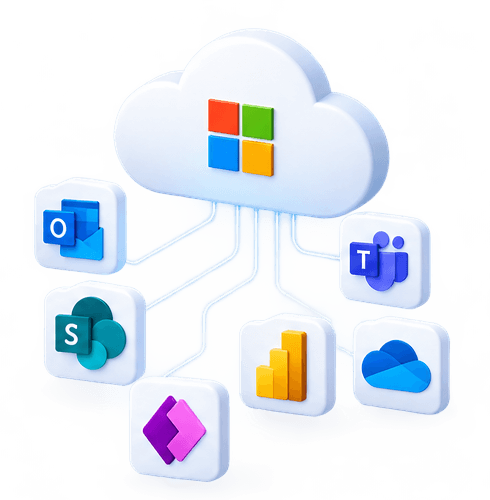
We build Microsoft 365 Copilot agents with Copilot Studio: agents that run in Teams, SharePoint and Outlook, use Microsoft Graph data and Power Automate actions. Every agent has a defined purpose, a list of permitted actions, least-privilege access and an action log that can be reviewed. We start with one process, measure the result and only then expand.
The scenarios we implement most often with Microsoft 365 Copilot. Each one starts with a single process and is measured.

From the first conversation to a working solution, with measurement and ongoing support.
Together we choose a process that repeats often, has a clear "done" criterion and has its data in your systems. We define what the agent can do on its own and what only after a person approves.
We create a separate identity for the agent with the minimum permissions it needs, turn on the action log and add approval steps for risky actions such as payments, sending to customers and deletion.
We build the agent with Copilot Studio: agents that run in Teams, SharePoint and Outlook, use Microsoft Graph data and Power Automate actions. We test with real but historical cases and measure accuracy until the result meets the agreed threshold.
We launch with human oversight, review the logs and adjust the rules. Once the first process runs reliably, we move on to the next.
Only if it is configured that way. By default, risky actions such as payments, sending to customers and deletion require human approval, and the agent has only the permissions its task needs.
In your Microsoft 365 tenant: your data stays where it already is, with the same access permissions. Data does not leave your Microsoft 365 tenant, your existing SharePoint and Entra ID permissions apply, and Copilot does not train models on your content.
Usually 2–4 weeks from process selection to launch with support. After that each new agent is faster, because access, logs and rules are already in place.
A Microsoft 365 Copilot licence is required for each user; agents use Copilot Studio capacity or pay-as-you-go billing. We give the implementation price after the first conversation, once it is clear how many systems need to be connected.
AI is most useful not in a separate window but in your systems: ERP, CRM, helpdesk, document management.
An assistant that knows your policies, price lists and contracts, not the internet.
We automate what repeats: invoices, orders, reports, contract reviews.
This service is delivered by specialists with valid international certifications. Their expertise is confirmed by independent organisations, not by us.

AI systems are deployed with protection against data leakage and model abuse.

The AI security programme and its controls are managed following the ISACA methodology.

AI risks are identified and managed like any other IT risk.
We reply within 1 business day